Workflows
A workflow is one agent you run. In the dashboard it shows up under Workflows in the left sidebar. Each workflow has its own budget and its own list of API keys.
What you see in the dashboard
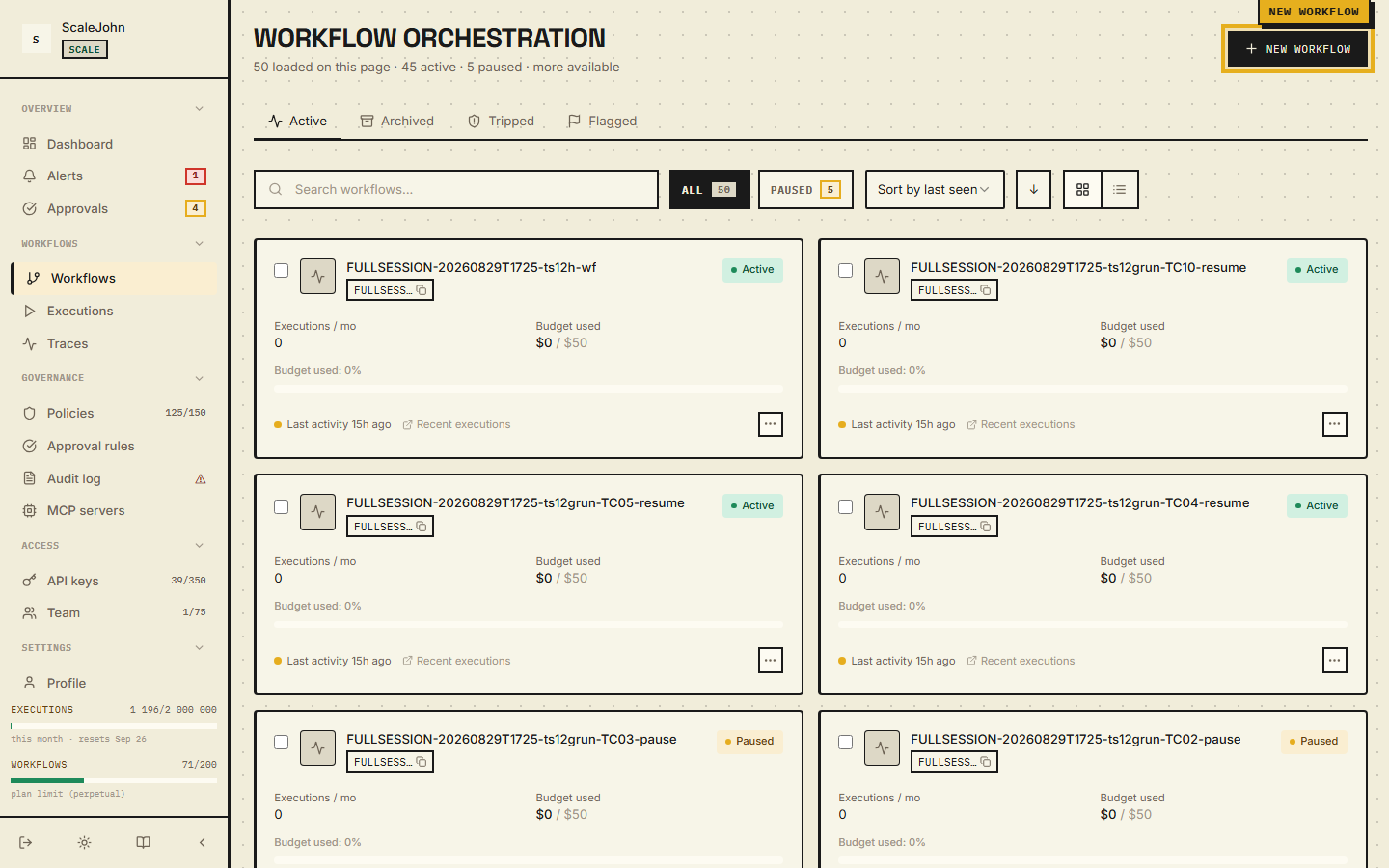
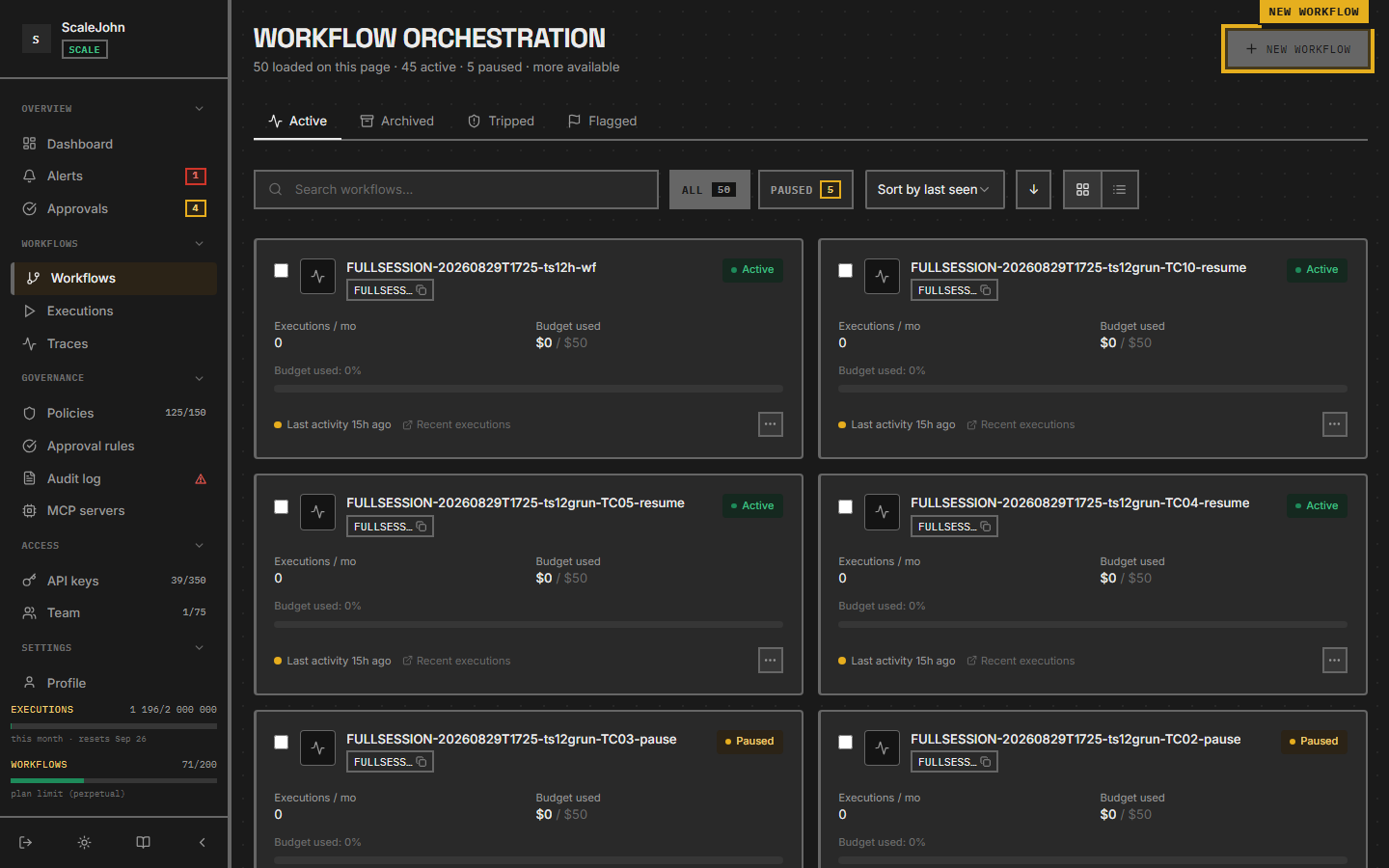
The Workflows page lists every workflow you've created. Each row shows:
- The workflow's name (you picked this when you created it)
- Whether it's Active, Paused, or Killed
- Total spend for the current billing period
- How many API keys are bound to it
- When it last saw traffic
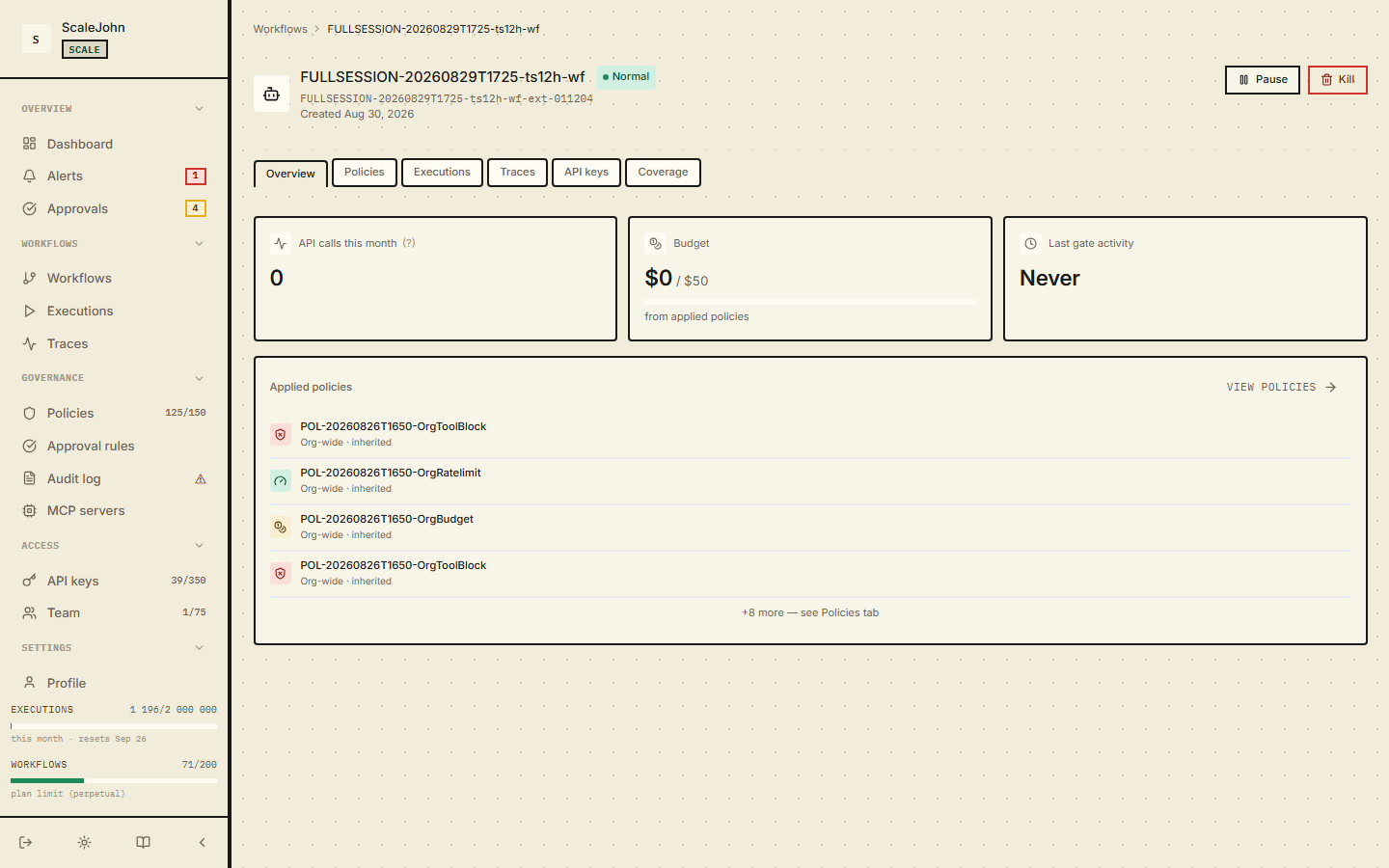
Click a workflow to open its detail page. The detail page has six tabs:
| Tab | What it shows |
|---|---|
| Overview | Name, status (Active / Paused / Killed), current spend vs. the installed budget cap, applied policies, and the Pause / Resume / Kill / Delete controls. This is where you change the budget cap. |
| Policies | The policies scoped to this workflow. Rate limit, budget limit, and tool block entries — same primitives as the org-level Policies page, filtered to this workflow. |
| Executions | Every gate call your agent made — allowed, blocked, rate-limited. The raw list the gate uses to decide what your agent can do. |
| Traces | Hierarchical view of one agent run — each LLM call, each tool call, with timing and cost. |
| API keys | The API keys bound to this workflow. Use Generate API key in the top-right to mint one; the raw key value is shown only once at creation. |
| Coverage | MCP servers and tools observed on this workflow in the last 30 days, with the "discovered but not registered" panel for un-enrolled servers. |
How to create one
- In the dashboard sidebar, click Workflows.
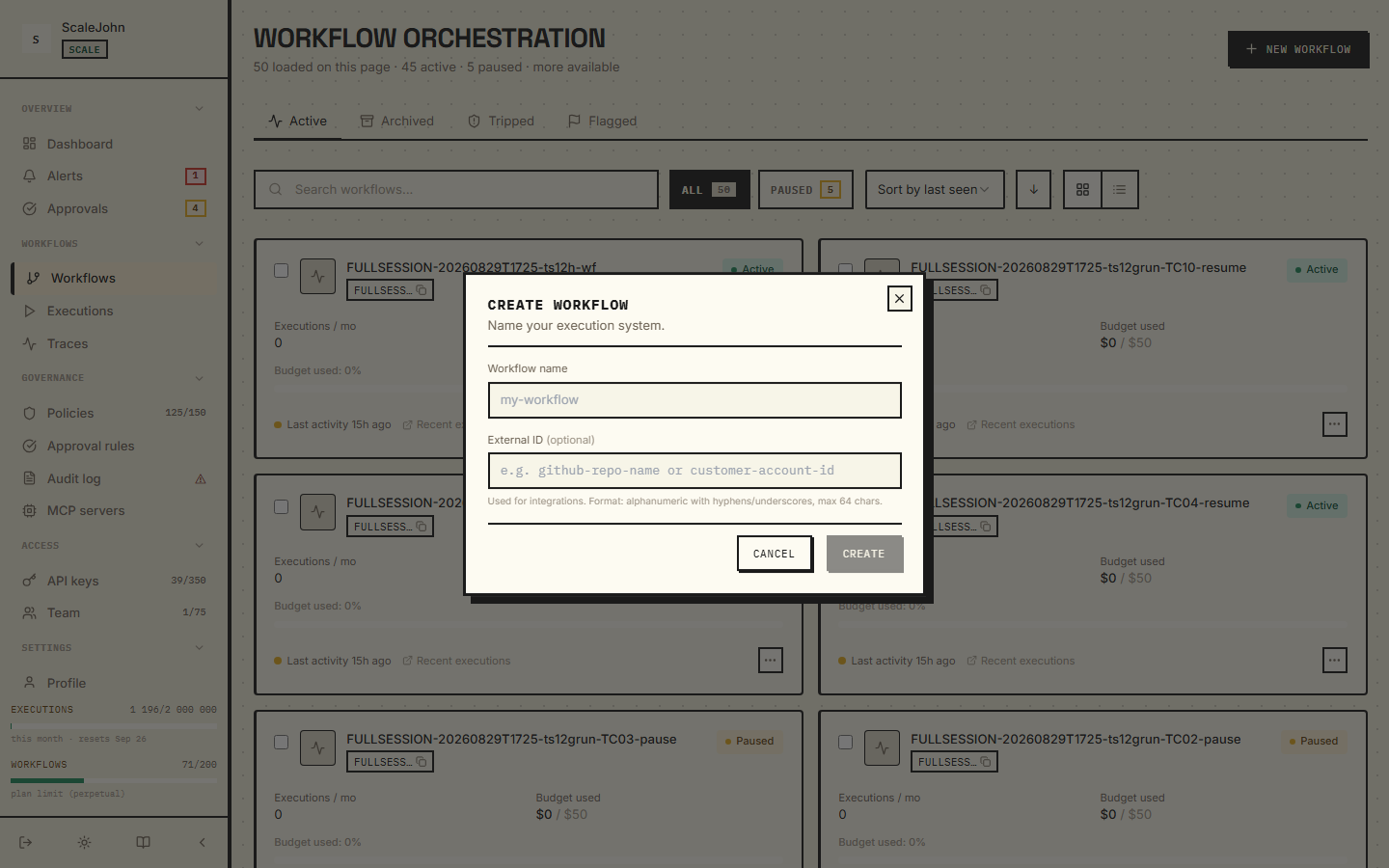
- Click New workflow in the top right.
- Give it a name (e.g.
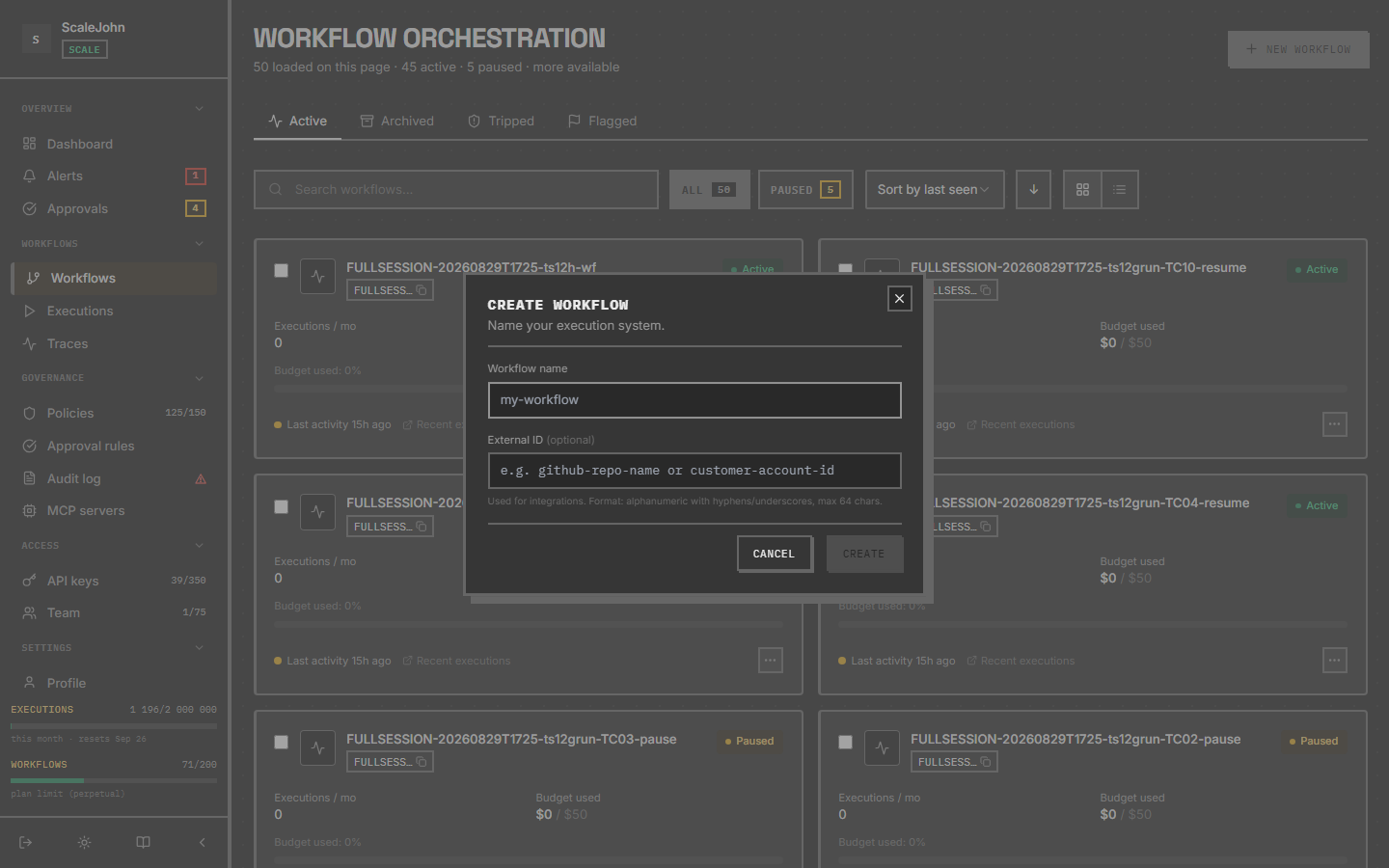
"production-support-bot"). The name shows up everywhere — keep it short. Names are 1–255 characters: letters, digits, space, and_ . , - & ( )are allowed. - Optionally set an External ID — alphanumeric with
-and_, up to 64 characters — for integrations that need to look up the workflow from your own systems (e.g. a GitHub repo name or a customer account id). - Click Create. The budget cap is configured on the Overview tab after creation via a budget-limit policy or the installed budget control — there is no starting budget on the dialog itself.
You'll land on the new workflow's detail page. From there:
- Mint an API key under the API keys tab. The key value
(
nr_live_...) is shown once — copy it into your secret manager immediately. - Point your SDK at it: export
NULLRUN_API_KEYand the workflow binding happens server-side.
How to control one
Each workflow has three states that you control from the dashboard or via the API: Active, Paused, and Killed. Both Pause and Kill reach your running SDK over a WebSocket push; the agent doesn't have to wait for the next call to learn. See Control plane for the full contract, the exceptions each state raises, and how the signal travels over the WebSocket.
The workflow's settings
Five things you control per workflow:
- Budget — the per-period cap in cents. Set this first. The dashboard shows a horizontal bar of how much you've spent vs. the cap.
- Enforcement mode —
Hard(block on budget exceeded) orSoft(allow over-budget up to an overdraft cap, when there's an active chain). Full configuration in Policies → BudgetLimit extra fields. - Human approvals — turn on to require operator approval for dangerous tools (payments, deletes, external API mutations). Available on Growth+ plans.
- Tool block list — the patterns the agent must not call. See Tool policies.
- Trace retention — how long to keep detailed per-call traces (default 30 days, plan-gated up to 90).
Chain context
A chain is a logical grouping across multiple @protect calls
inside one user request, declared via with chain(...). Chains are
auto-registered on the first /gate call: the chain transitions
from null → ACTIVE atomically.
When chains end
A chain dies on the first of:
op="end"is reached in the context manager- 5 minutes of
/gateinactivity (idle TTL) max_chain_duration_secondsexceeded (default 3600)
For long streams, send a POST /heartbeat every 30 seconds — see
Heartbeat → how-to.
Why chains exist
Chains exist primarily to enable soft-mode budget gating: with
an active chain, the gate allows the agent to run past its budget
up to an overdraft cap (max_overdraft_cents or
max_overdraft_percent, whichever is lower). Full soft-mode
contract in
Policies → BudgetLimit extra fields.
How the workflow ends
A workflow doesn't have an explicit "end" state in the sense of a final commit. Instead:
- The workflow stays Active across many agent runs. Each run is
a sequence of
@protectcalls. - A run is logically ended when the agent's loop returns or throws.
- A workflow is paused or killed when you decide, or when plan limits (max workflows per plan) cause auto-pause.
There is no "clean up the workflow when done" step. Active workflows keep their policy, budget, and key bindings. Re-run the agent next week and the same workflow handles it.
See also
- Budgets — the budget cap and how rollover works
- Policies — what rules attach to a workflow
- Control plane — how Kill / Pause reach your agent
- API keys — how to mint a key bound to this workflow
Deep dive
A workflow combines a durable record with a runtime state that the control plane can move between Active, Paused and Killed. Transitions are validated rather than free-form: Killed is terminal, and there is no path out of it, so a workflow that has been killed has to be created again to be used again. Every transition an operator triggers writes an audit entry and is pushed to the agents attached to that workflow, so a manual kill is visible both in the audit log and in the dashboard.
Delivery is a WebSocket push to connected agents, and it is authenticated per organisation: frames are signed, an upgrade that tries to carry a credential in the query string is refused, and an envelope belonging to a different organisation is dropped rather than forwarded. An agent that cannot hold a WebSocket open falls back to polling, and that path is bounded by a short server-side cache window, so a workflow observed only by polling reflects the new state at most about a minute late. If both channels are unavailable, the agent learns of the kill on its next gate call, which makes the worst case roughly one LLM call.
A chain is a separate, opt-in construct. It is created on the first gate call inside the context manager and ends on whichever comes first: the context manager closing, a five-minute idle window, or the configured maximum chain duration. The idle window is fixed rather than configurable, so an agent doing long work between calls has to send a heartbeat roughly every thirty seconds or the chain lapses mid-run. Chains exist to give soft-mode budget gating something to reason about — with an active chain the gate can let an agent run past its budget up to an overdraft cap. Nothing else depends on them, and there is no background sweeper: expiry of the idle window is what reaps a chain that was never closed.
A single state change fans out to several consumers — connected agents, alerting, the dashboard, and policy cache invalidation — so a pause takes effect consistently across enforcement and reporting rather than in one of them.