Alerts
The Alerts page surfaces every operational signal the gateway
fires that the operator should look at — blocked incidents,
threshold breaches, system events. It lives at
/control-center/alerts and is gated by the alerts plan feature
(Starter and above). On Lite plans the sidebar link is hidden and
direct URLs render an upgrade prompt.
The page reads from the same alerts feed that drives the
sidebar bell badge (count next to Alerts), so dismissing or
snoozing on the page brings the badge in line immediately.
Page header
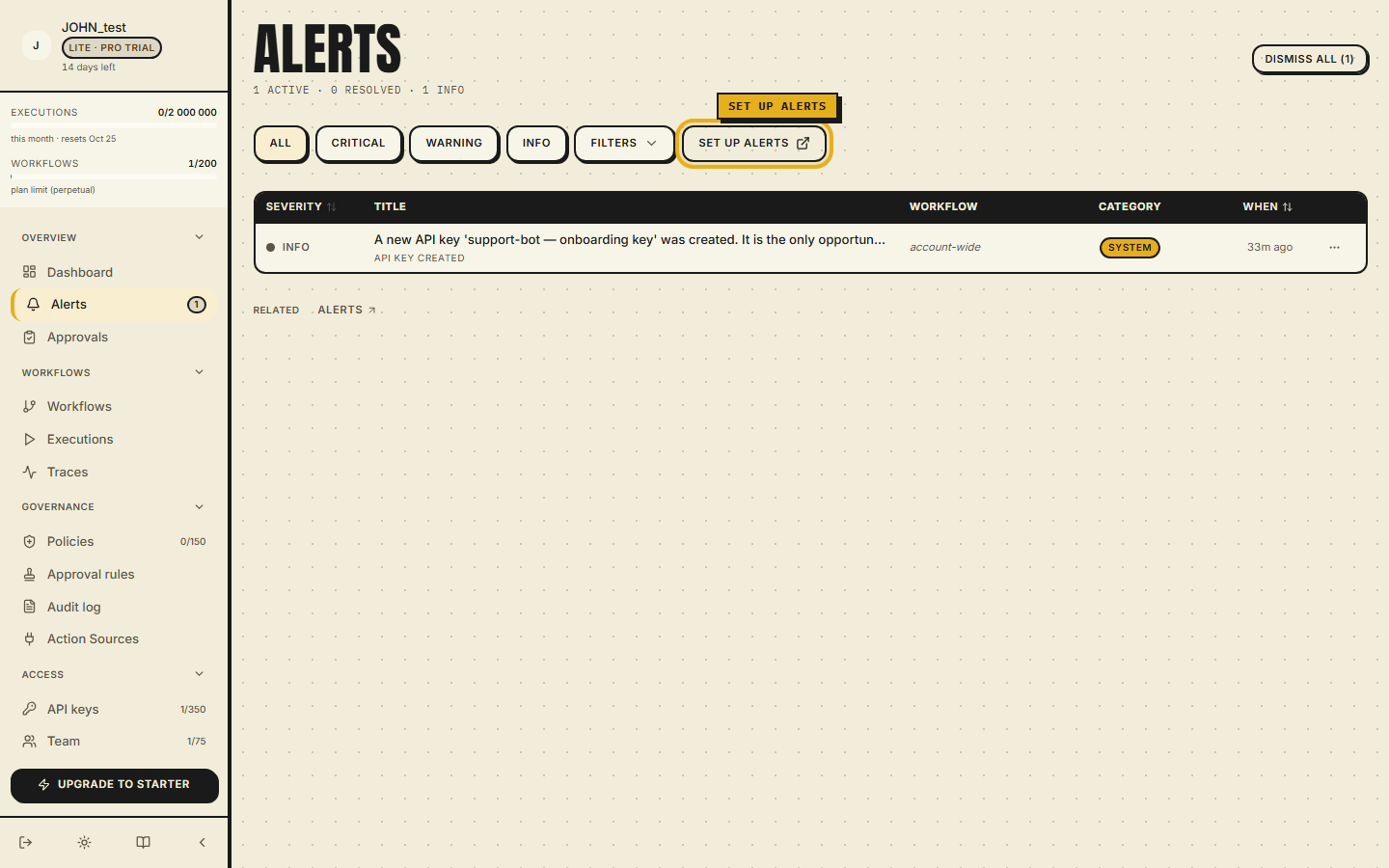
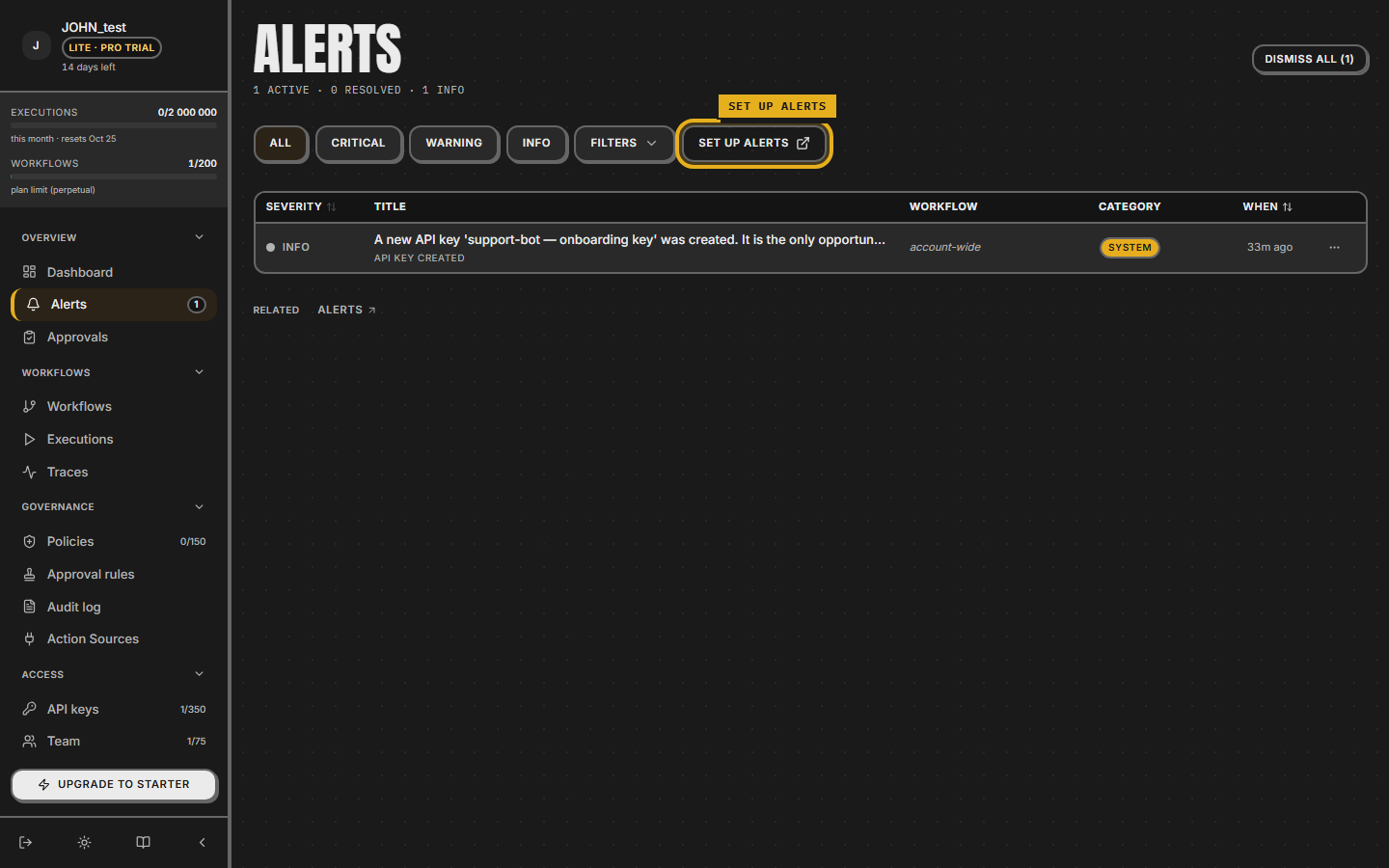
The header reads Alerts with a running subtitle that breaks down the live state:
12 active · 5 resolved · 3 critical · 6 warning · 2 info
Zero-count tiers collapse out of the subtitle so a clean org
shows just 0 active · 0 resolved with no visual noise. The
counts cover every severity tier, so the info tier is
counted alongside critical and warning — all three severities
surface to operators.
The header action is Dismiss all (N) when at least one active alert exists; clicking it opens a confirmation Dialog ("Dismiss N active alerts? This action cannot be undone.") with Cancel and the destructive confirm button.
Metric strip — not a row of four cards
The four tiles above the filter chips are:
| Tile | Sub-line example |
|---|---|
| Action sources | Add one to begin / registered or observed |
| Verified | 3 unverified — verify now (deep link to ?filter=unverified) / all sources verified |
| Tool calls | Last 30 days across all sources |
| Drift | Tools match the upstream catalog / 4 verification pending — not drift |
If the list is still loading, every tile shows — rather than
0, so the operator never confuses "I don't know yet" with "the
answer is zero".
Filter chips — two orthogonal dimensions
Two filter dimensions run side by side above the list:
- Severity —
All/Critical/Warning/Info. - Category —
All/Prevented/System.
Severity is applied client-side (small enum, response shape
unchanged); Category is also pushed to the server via
useAlerts({ category }) so the wire doesn't even ship the
filtered-out rows. The combination of the two narrows the list
independently — Critical + Prevented is the typical "what
incidents did the breaker actually stop today" view.
Alert row anatomy
Each row is an AlertCard rendered as a hairline-divided block.
The components from top to bottom:
- Severity left-border — critical/warning/info accent.
- Icon-avatar — incident type (Wallet for budget_block, ShieldAlert for tool_block, Gauge for spend thresholds).
- Title + body — structured for
budget_blockrows: "Projected vs budget" stats + a horizontal threshold bar (current spend over threshold_cents, live from the wire). - Timestamp + workflow name — when the alert is workflow- scoped; system alerts omit the workflow chip.
- Snooze dropdown —
1h/4h/24h/3d/7d. The snoozed row is hidden from the active list until the snooze expires; a "Snoozed until …" footer line plus a live countdown appears on the row while the snooze is active. - Dismiss — single click, the row collapses into the Resolved section.
Resolved section
Beneath the active list, a Resolved today section shows
dismissed alerts from the current calendar day. Each row renders
the same AlertCard with a resolved flag — icon, title, body,
but no Snooze / Dismiss actions. The resolved section is
collapsed automatically when there are no resolved alerts.
How to wire up alerts
The Set up alerts button in the top-right of the header takes
the operator to Notifications (/control-center/notifications)
where they can:
- Add Slack, Email, or Webhook channels.
- Configure threshold rules (e.g. "spend reaches 80% of cap").
- Subscribe the org's events to the enabled channels.
The Alerts page is the read surface; Notifications is the configure surface. They share the same wire, so a channel that fires lands both in the page and in the channel that the operator subscribed to.
API hooks
For automations, the same actions are exposed via REST and are mirrored in the audit log:
POST /api/orgs/alerts/{id}/snooze—{ hours: number }body.POST /api/orgs/alerts/dismiss-all— dismiss every active alert for the org in one call. Use sparingly; the gateway still writes one audit row per dismissal.
The plan-tier gate (alerts feature) is enforced server-side on
every handler — a Lite user cannot dismiss alerts by hitting the
API directly even if the page itself doesn't render.
Where to read next
- Notifications — how to add channels and subscribe events.
- Audit log — every dismiss / snooze is recorded as an audit row.
Deep dive
Severity and category answer different questions, and the two dimensions are orthogonal. Severity is urgency: three tiers exist, critical, warning, and info, with nothing in between, so the colour ladder is the only in-band signal available. Category is ownership: a prevented incident can be critical, and a system event can be purely informational. Spend-threshold alerts follow a fixed ladder where 80% and 95% of the cap are warnings and 100% is critical; key revocation is a warning. System-scope alerts are never bound to a workflow, and that invariant is enforced before the record is written rather than checked at read time.
The header counts and the listed rows are produced by the same query under the same category filter, so a count can never disagree with what is on screen. An alert counts as active when it is not dismissed and either carries no snooze or its snooze has expired; that one predicate drives both the list and every per-severity count. A category filter value that is not recognised is rejected with a 400 that names the supported set instead of being ignored.
Dismissal is idempotent: dismissing an already-dismissed alert changes nothing, and every dismissal writes exactly one audit row. Dismiss-all is organization-wide, and there is no per-workflow bulk path, so an operator cleaning up a single workflow dismisses row by row. A burst of system events of the same kind collapses rather than flooding the feed, so rapid repeated emissions are dropped at the channel layer. The per-row snooze actor is not surfaced on the alerts view; who snoozed and when is recorded in the audit log.