5-minute tour
This is the shortest path from "I have never used NullRun" to
"I shipped an agent to production and it tripped a budget cap." It
mirrors the dashboard tour at nullrun.io/onboarding — same five
screens, same five CLI commands.
If you want to install first, jump to Install and come back. This tour assumes
nullrunis already installed and an API key is exported asNULLRUN_API_KEY.
What you will build
A LangGraph agent that:
- Calls
gpt-4o-minithrough the NullRun gate - Has a hard $0.50 budget per workflow
- Trips the circuit breaker when it tries to call
send_email - Recovers cleanly after you raise the budget
You will see each step land in the dashboard as a real audit row.
Step 1 — Create an organization
If you do not already have one, open nullrun.io/onboarding,
pick a name ("Acme AI"), and click Create. The dashboard
provisions an organization_id and a default policy_id that
allows everything except destructive tools.
What you see
On the dashboard home, a single card shows: organization name,
default policy name (Permissive), and an "API keys" tile that
is empty until step 2.
Step 2 — Create an API key
In the dashboard:
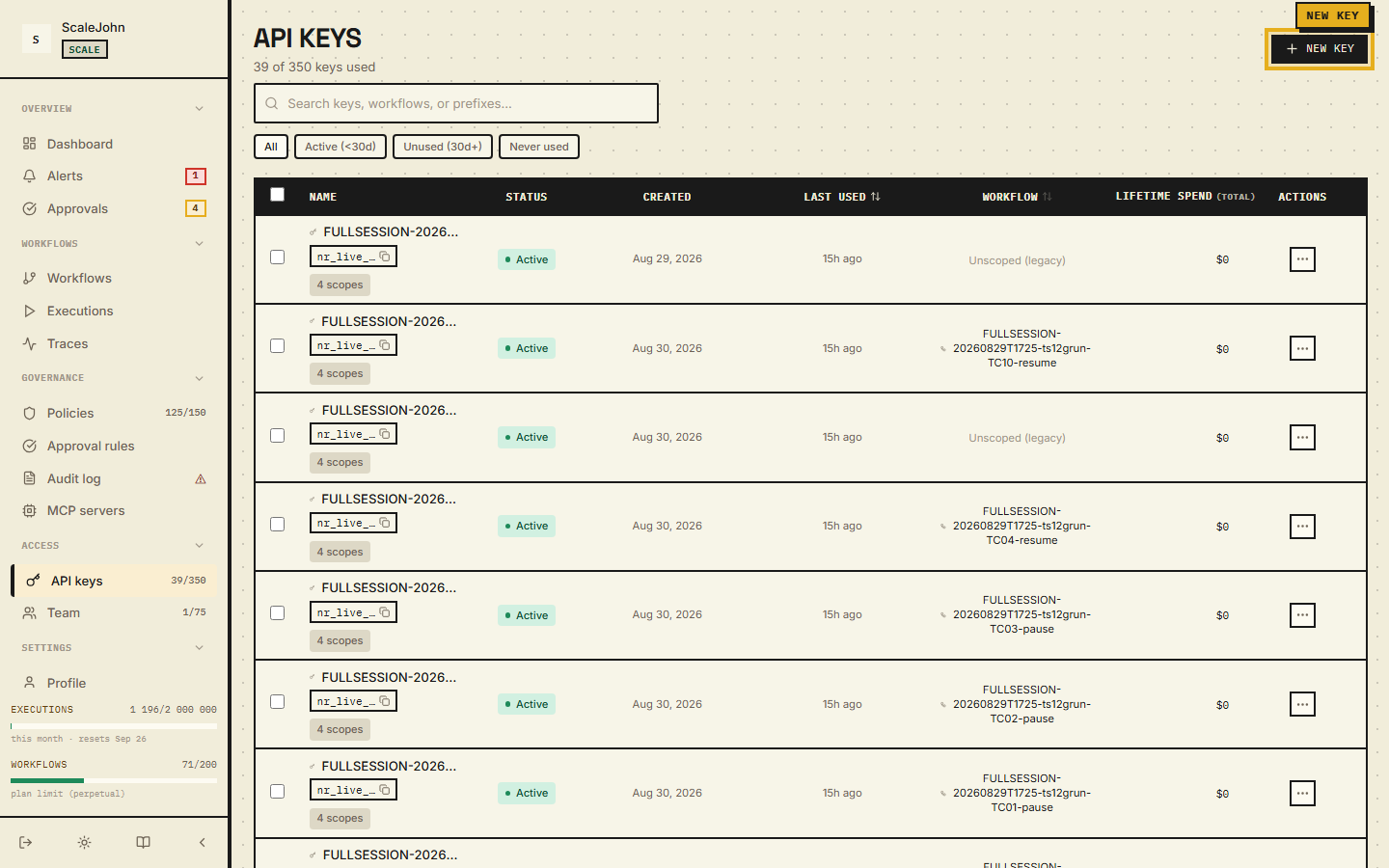
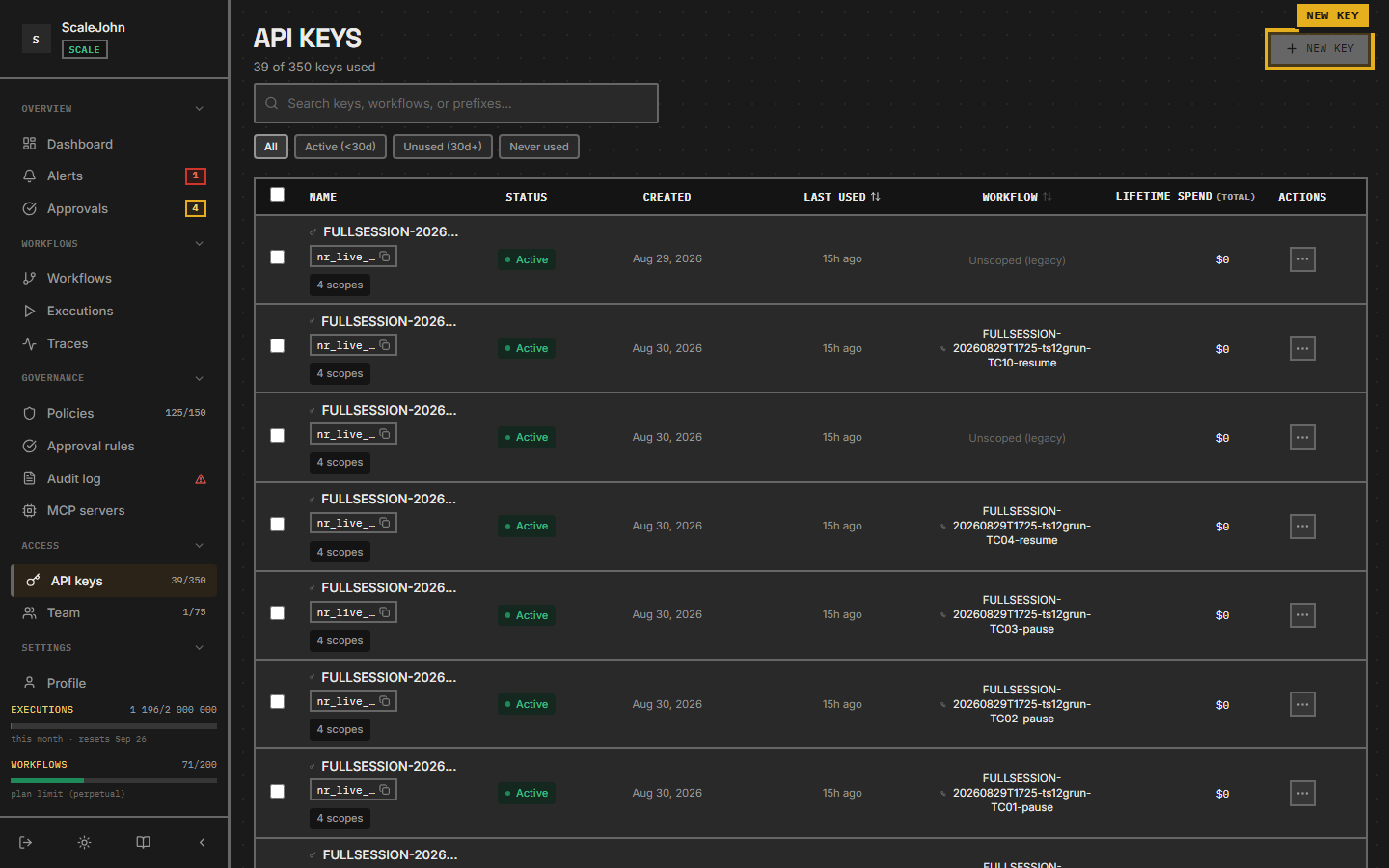
- In the left sidebar, under Access, click API keys.
- Click New API key in the top right.
- In the dialog, pick the Workflow the key belongs to (the
tour-agent workflow you just created) and name the key
tour-agent. Pick an expiration — Never, 24 hours, 7 days, 30 days, or 90 days. - Click Create.
- Copy the
nr_live_…public identifier and the HMAC secret. The secret is shown once — store it in your secrets manager immediately.
Export both in your shell:
export NULLRUN_API_KEY="nr_live_xxxxxxxxxxxxxxxx"
export NULLRUN_SECRET_KEY="hmac_xxxxxxxxxxxxxxxxxxxx"
Where the HMAC secret lives
The SDK pulls the HMAC secret via POST /api/v1/auth/verify on
first use, then caches it in memory. Re-exporting the env var
does NOT invalidate an existing cached secret — restart your
process to pick up a new one.
Step 3 — Wire up the agent
Create a file tour_agent.py:
import nullrun
from nullrun import protect, NullRunBudgetError
from langchain_openai import ChatOpenAI

llm = ChatOpenAI(model="gpt-4o-mini")

@protect
def ask(question: str) -> str:
    return llm.invoke(question).content

if __name__ == "__main__":
    for i in range(20):
        try:
            print(f"[{i}]", ask("Tell me a one-sentence joke."))
        except NullRunBudgetError as exc:
            print(f"[{i}] BLOCKED:", nullrun.format_user_message(exc))
            break
The first @protect call creates the runtime from NULLRUN_API_KEY.
Run it:
pip install nullrun langgraph langchain-openai
python tour_agent.py
You will see ~7–10 successful LLM calls, then
BLOCKED: You've used all your support credits. Upgrade to keep chatting.
(or whatever your catalog wording is).
Step 4 — Watch the decisions
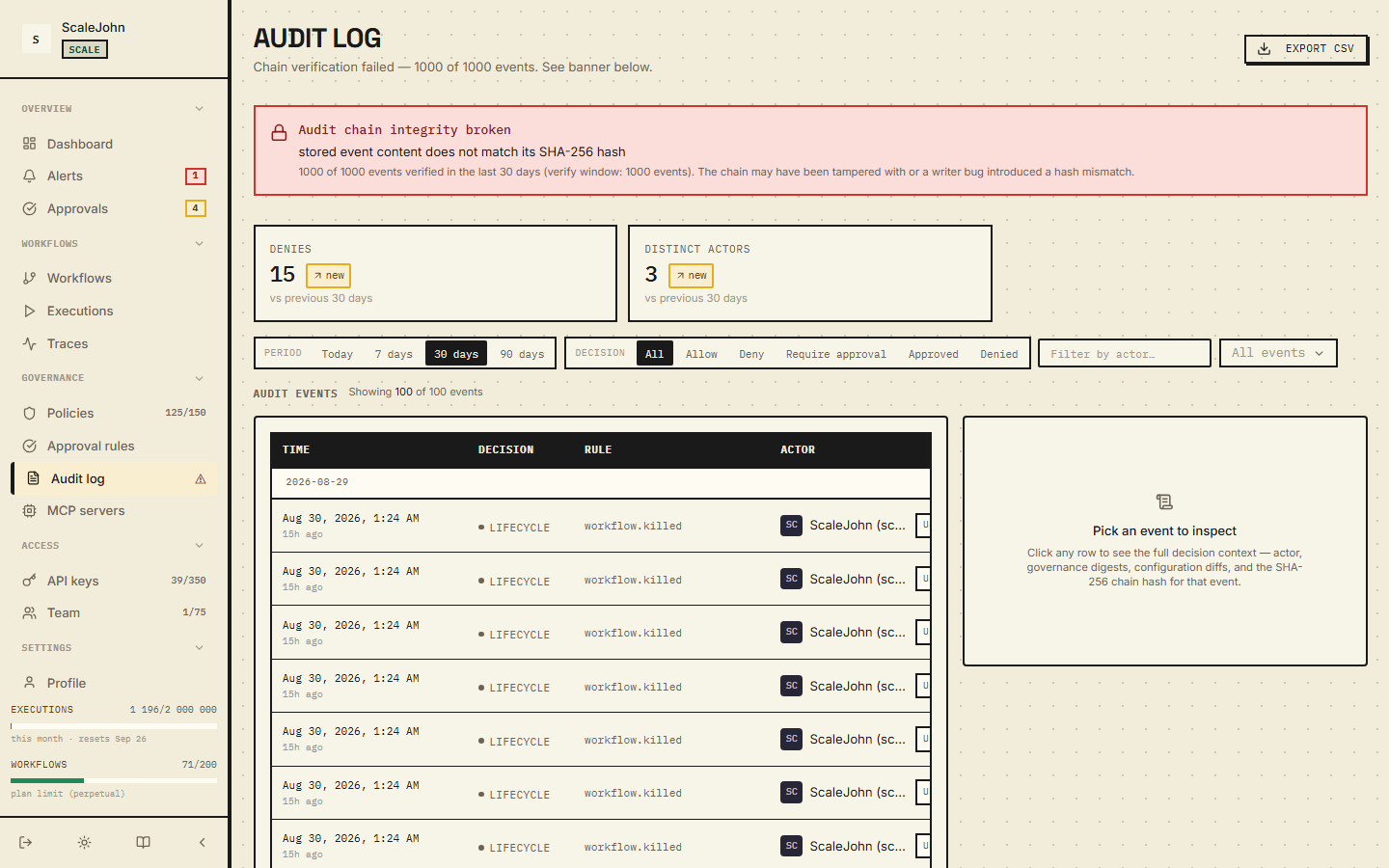
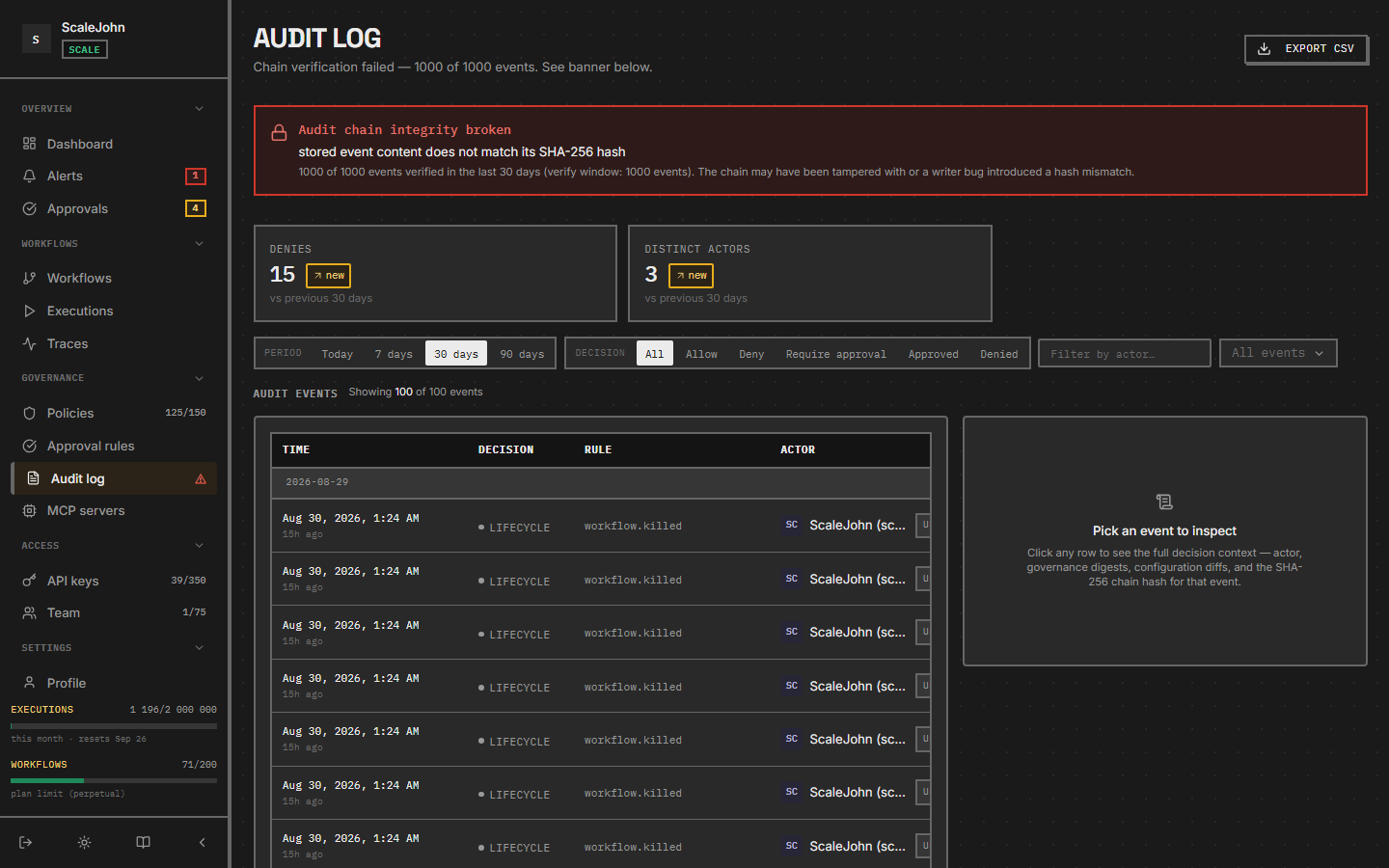
Open nullrun.io/control-center/audit (the dashboard Audit log
page, under Governance in the sidebar). You will see:
- One row per
@protectcall across four columns: Time, Decision, Rule, Actor. decision = allowfor the first ~7–10 rows. The FilterBar above the table has period preset chips (1h / 24h / Today / 7d / 30d / 90d / All), decision chips, and an event-type selector.decision = blockon the last row witherror_code = NR-B004,wire = BUDGET_HARD_BLOCKED— click the row to open the DetailPanel and see the budget snapshot at the time of the block.
Each row is recorded by the gateway's audit pipeline and surfaces in your own customer's audit trail identically.
Step 5 — Trip a ToolBlock
Edit tour_agent.py and add a second protected function:
@protect
def send_email(to: str, body: str) -> None:
    # Pretend SMTP call.
    print(f"SMTP → {to}: {body}")
Then call it from __main__:
# After the loop:
try:
    send_email("test@example.com", "hi from the tour")
except nullrun.NullRunToolBlockedError as exc:
    print(f"BLOCKED:", nullrun.format_user_message(exc))
Run it again. The dashboard shows a decision = block row with
error_code = NR-T001, wire = TOOL_BLOCKED. New organizations
ship with a permissive default policy; if your admin has added a
stricter default, you may see additional blocks.
To allow send_email, open Policies in the sidebar, find the
tool-block rule that matches send_email, and either narrow the
pattern or scope it to a different workflow.
Step 6 — Raise the budget and try again
Back in the dashboard:
- Open the tour-agent workflow and stay on the Overview tab.
- In the budget card, raise the cap to
$5.00(500 cents). - Save.
Re-run tour_agent.py. The loop now completes all 20 calls. The
Overview tab's spend bar shows ~$0.40 used (depending on token
counts), and the progress bar sits at ~8%.
What next?
| You want to… | Open |
|---|---|
| Understand the gate in depth | Concepts → Circuit breaker |
| Wire up multiple agents | How-to → Run multiple agents |
| Add an approval flow for sensitive tools | Concepts → Human approval |
| Stream responses | How-to → Stream responses |
| Deploy to production behind your gateway | Configuration → Behaviour |
Where to send feedback
Email support@nullrun.io with the dashboard's
Help → Send feedback form filled in. Include the workflow ID
(top-right of any dashboard page) and the failing row's
decision_id.