Budgets
A budget is the most important number on the dashboard. It's the maximum amount of money a workflow is allowed to spend in a billing period. Set it too low and your agent stops working. Set it too high and a runaway agent burns through real money before you notice.
This page covers what the budget controls, how the dashboard shows it, and what happens at each boundary.
Where you see it
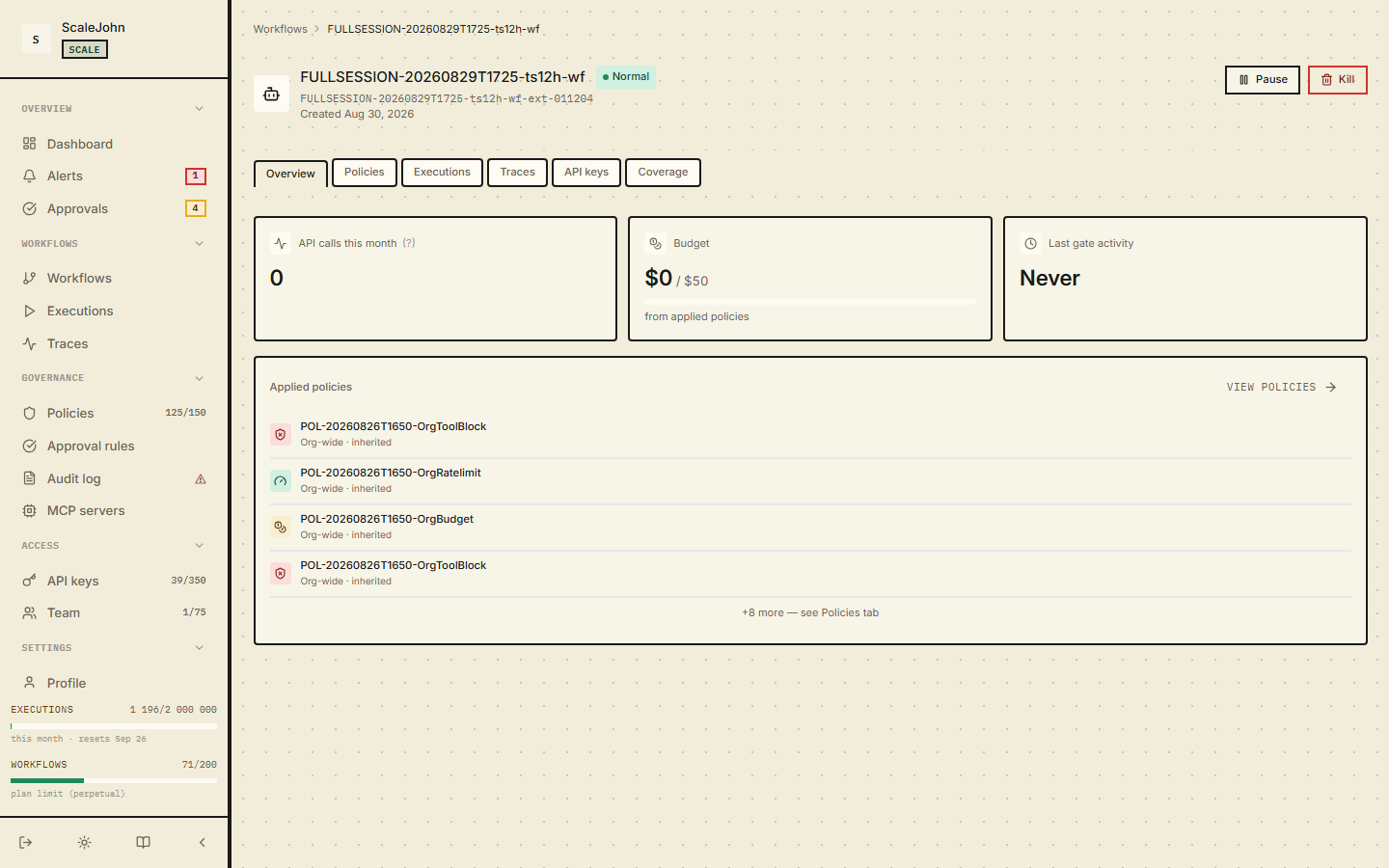
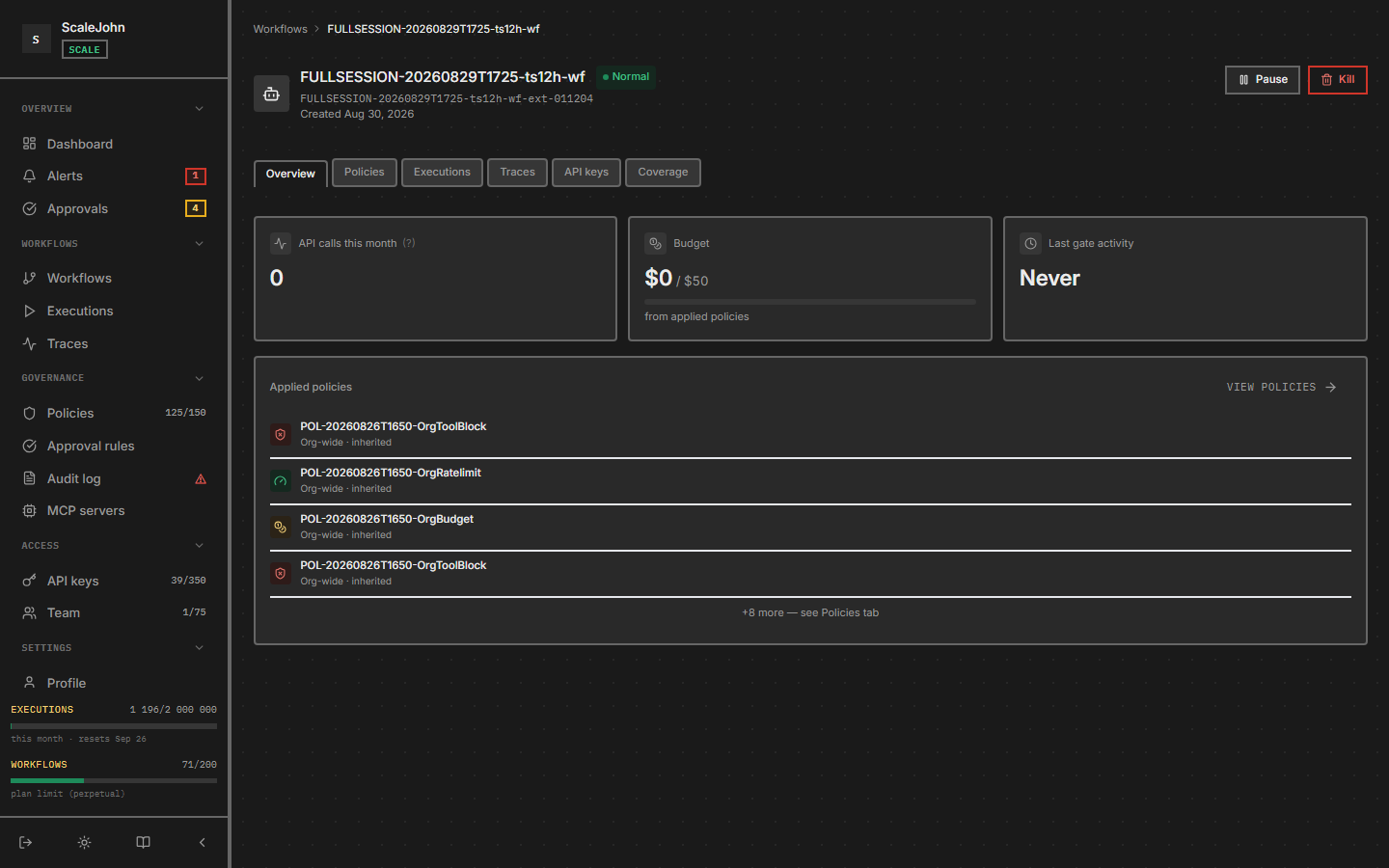
On the Workflows detail page, the budget appears as a progress bar near the top:
Spend this period         $47.30 of $50.00  (95%)
████████████████████████░░
Time to exhaustion         ~16 hours at current rate
Three numbers:
- Spend this period — total cents spent since the last period rollover. Resets automatically.
- Budget — the cap. Set this in workflow settings.
- Time to exhaustion — at the current rate of spend, when the budget will run out. Useful for "should I raise the cap?".
What the budget covers
The budget covers spend, not calls. Calls are rate-limited separately — see Policies.
"Spend" is calculated from token counts reported by your LLM provider. The dashboard knows the per-model pricing for every model the SDK tracks:
- Input tokens × input rate
- Output tokens × output rate
- Cache read / cache write tokens (if your provider exposes them) at their respective rates
- Reasoning tokens for o1/o3-style models at the reasoning rate
The total spend is the sum across all @protect calls inside the
workflow, across the current period.
Periods
A "period" is the window after which the spend counter resets. NullRun has two period sources:
| Plan | Period source | When it resets |
|---|---|---|
| Lite (free) | Rolling 1-month window anchored at organizations.created_at |
One month after signup (e.g. signed up Jun 15 → resets Jul 15, Aug 15, …) |
| Paid (Starter / Growth / Scale) | Your billing cycle (Polar subscription) | Set when you subscribed; on renewal |
The dashboard shows the period start and end dates next to the spend bar. When the period rolls over, the spend counter resets to zero and the budget applies fresh.
What happens at the boundary
Three scenarios, depending on the workflow's enforcement mode:
Hard mode (default)
Spending → $49.95 of $50.00
Next @protect call:        #2.00 projected
gate decision:             block
SDK raises:                 NullRunBudgetError (NR-B004)
with nullrun.guard():     prints the 4-line dev report, sys.exit(1)
The agent stops cleanly at the boundary. No partial charge — the projected cost is reserved when the gate approves, and the actual cost is reported after the LLM returns. If the call is denied, no charge happens.
Soft mode
Soft mode lets the agent run past its budget when an active chain is
present, up to the configured overdraft cap
(max_overdraft_cents or max_overdraft_percent, whichever is
lower). The chain returns to standard Hard mode once the cap is
exhausted. See Policies → BudgetLimit extra fields
for the full configuration contract.
How to set the budget
The first time you create a workflow, no budget cap is configured.
max_budget_cents == 0 means "no per-key budget configured" —
the gate passes through to the org-level plan cap, not "block
everything" — so the agent runs against the org's default policy
until you raise the per-key cap.
To set the budget:
- Open the workflow.
- Click Settings.
- Find Budget and enter cents (
$50=5000). - Save.
Reasonable starting budgets:
| Use case | Suggested budget |
|---|---|
| Personal / dev experiment | $5 (500 cents) per period |
| Single-tenant internal tool | $20 (2000 cents) per period |
| Customer-facing AI feature | $100 (10000 cents) per period, plus an alert at 80% |
The dashboard warns you when spend crosses 80% of the cap and again at 100%. Configure alert destinations under Notifications in the sidebar (Channels + Alert rules + Event subscriptions matrix).
What happens when you change the budget mid-period
- Raise: the new cap takes effect immediately. The next gate call uses the new cap.
- Lower below current spend: the agent doesn't get retroactive refunds, but every call from this point onward rejects until the spend drops (which only happens at period rollover, since the counter is monotonic within a period).
Why cents, not dollars
The dashboard stores everything in cents to avoid floating-point
rounding in pricing math. The budget_cents field in the API is
always an integer. If you set budget_cents: 5000, your cap is
exactly $50.00, no rounding errors.
Reservation and consumption
The gate reserves your projected cost before the model runs and
reconciles the actual cost after. If the LLM call returns a cost
that meaningfully exceeds the reservation, the /track commit
rejects with CONSUME_OVERBUDGET (HTTP 422, error_code = "NR-O001") — no implicit re-reserve, ever. The tolerance is a
fixed cents value (policies.consume_epsilon_cents, default 1¢);
no percentage-based epsilon is supported.
Approximate budget endpoint
If you want to show "you've used X of Y" in a custom dashboard or notification without enrolling in the full NullRun dashboard, the gateway exposes an approximate-spend endpoint:
curl "https://api.nullrun.io/api/v1/budget/approximate" \
  -H "Authorization: Bearer ***"
The response carries current_spend_cents_estimate, an
is_approximate: true flag, a source field, a confidence level
(High / Medium / Low), and last_updated_at. Use this for
display only — never for enforcement, rate-limit logic, or
agent-side gating. When the source is unavailable the endpoint
returns 503 BUDGET_DATA_UNAVAILABLE; render that as "data
unavailable", never as ≈ $0 spent.
See also
- Workflows — where the budget lives
- Policies — rate limits (separate from budget) and soft-mode fields
- Troubleshooting
Deep dive
Spend is counted per organization per billing period. The period start is computed once, server-side, and bound into every reservation made for an execution, so the gate decision and the later commit for the same call always land in the same period even when a rollover happens in between. Spend within a period is monotonic: it returns to zero only when the period ends.
Enforcement uses the lower of the organization ceiling and the
workflow budget, and the organization ceiling is always strict. In
soft mode an active chain may overdraw by the lower of the
configured cent and percentage allowances, and concurrent chains
share that one allowance rather than each earning their own. The
gate reserves the projected cost before the model runs; the actual
cost is reported afterwards and must fit inside the reserved amount
plus a fixed tolerance, one cent by default and configurable per
policy. A cost above that tolerance is never silently re-reserved:
the commit is rejected with CONSUME_OVERBUDGET while the period
counter still reflects the real spend. The tolerance is a fixed
number of cents rather than a percentage, so the drift a bad
projection can absorb does not grow with the size of the budget.
Reservation and commit are both idempotent. A retry that arrives between a successful reservation and the recording of its result finds the reservation already in place and is told so, rather than reserving twice. A repeated commit for the same reservation either replays the original outcome or repeats the same rejection. The authorized amount is sealed when the gate decides, so a commit cannot re-check it against a cap tightened afterwards; the new cap governs the next call, not the one already in flight.
The approximate-spend endpoint resolves its answer from the fast-path counter, the durable record, and the last known value, in that order, and reports a confidence level so the caller can qualify the number. It is advisory. When every source is unavailable it returns 503 rather than zero, because a missing figure and an empty one are different claims. A reservation that is never committed expires after a bounded window; a commit arriving after that is reported as a missing reservation, and the caller must gate again to obtain a fresh one.